Mac software, one person

Small Mac apps that do one thing and stay out of the way.

Three native apps written in Swift, each with a one-time price. No accounts, no telemetry, no subscriptions, nothing to log into.

Native Swift, no Electron macOS 14 and later Apple silicon and Intel Everything local by default

Halo · Menu bar manager

The menu bar manager that never loses your icons.

Hide what you don't need, search every item by name, and let hidden items peek out when something changes. Notch-aware. Accessibility permission only.

$15 once · 3 Macs · 14-day trial
Eclipse · Notch app

Your notch, finally useful.

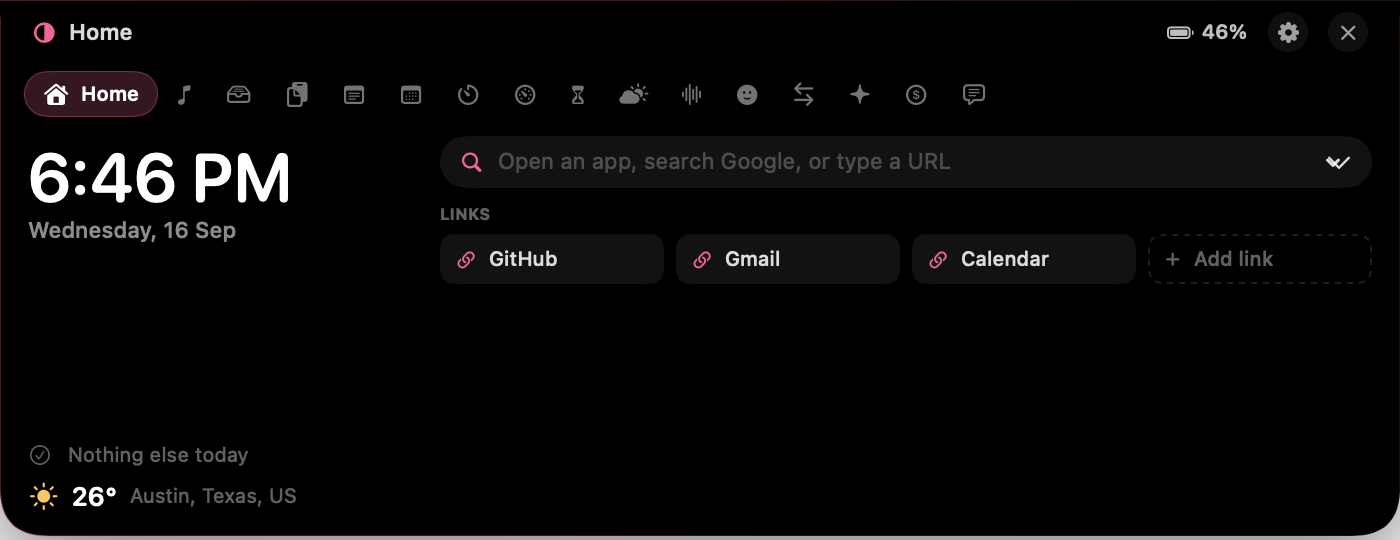
Hover the camera housing and a card grows out of it: now playing, a file shelf, clipboard history, weather, ambient sound, Pomodoro, live system stats. Sixteen tools, one gesture.

$5.99 once · Lifetime updates · Works without a notch

The Eclipse card open under the notch, showing the clock, next event and launcher.

VolTally · Disk analyzer

See what is actually using the disk.

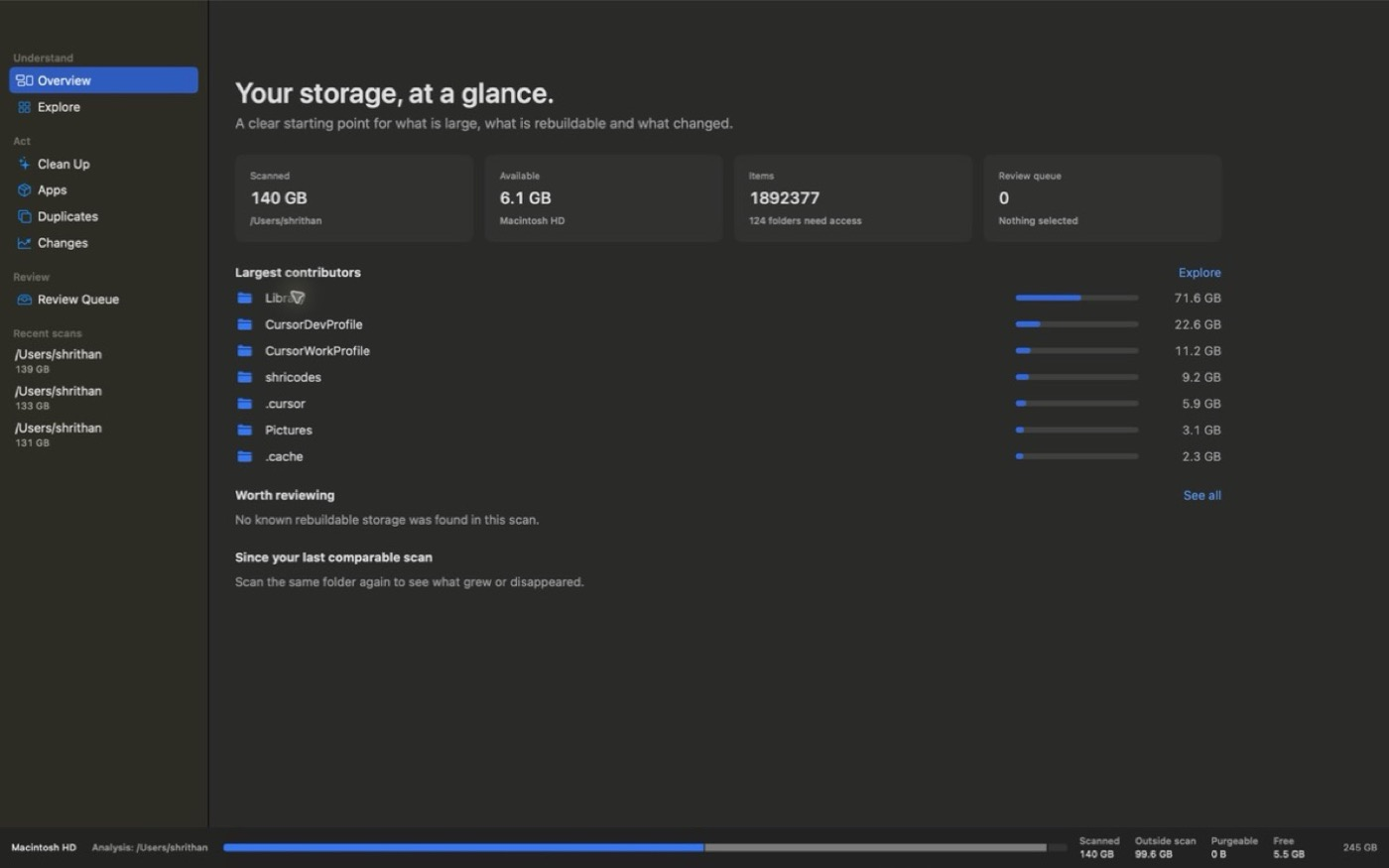
A native scanner with an honest APFS truth layer: scanned space, free space, and the folders it could not read, stated plainly. List, treemap, or sunburst. Reviewed items move to Trash, never anywhere worse.

$24 once · 3 Macs · Sold on its own site

VolTally showing the largest folders on a volume with scanned, free and unreadable space accounted for.

Everything

All three apps, plus everything I ship in the next twelve months.

  • Halo, Eclipse and VolTally, full versions
  • Every app I release in the next 12 months, added to the same license
  • Licensed for 3 Macs
  • One payment. No renewal, no account.
Halo$15
Eclipse$5.99
VolTally$24
Separately$44.99
Everything$29 once

How I build these.

Three rules that decide most of the arguments before they start.

01

The smallest permission that works

Halo asks for Accessibility and nothing else. Eclipse asks for nothing at launch, then asks per feature. Screen Recording is never requested by either, because a manager that can read your screen is a manager that can read your screen.

02

Everything stays on the Mac

No analytics, no crash pings, no account. Clipboard history, notes, scans and layouts are files in your Library folder. The only network calls are the ones you can name: weather, and the payment API keys you choose to add.

03

One-time prices

A utility that sits in your menu bar should not bill you monthly. You buy a version, you keep it, updates come free for the window each app states. If it does not work for you, 14 days gets you a refund.